Upload Video
Drag & drop your video file here, or click to browse.
Supports MP4, WebM, MOV.
Extracted Frames 0
No frames extracted yet.
Configure settings and click “Start Extraction”
Configuration
Why Video Frame Extractor Exists
Video Frame Extractor was born out of a simple necessity: content creators, developers, and designers often need high-quality still images from videos, but existing tools were either overly complex, expensive desktop software, or sketchy online converters full of ads. We wanted to build something different—a tool that respects your privacy, your time, and your need for precision.
Our Purpose
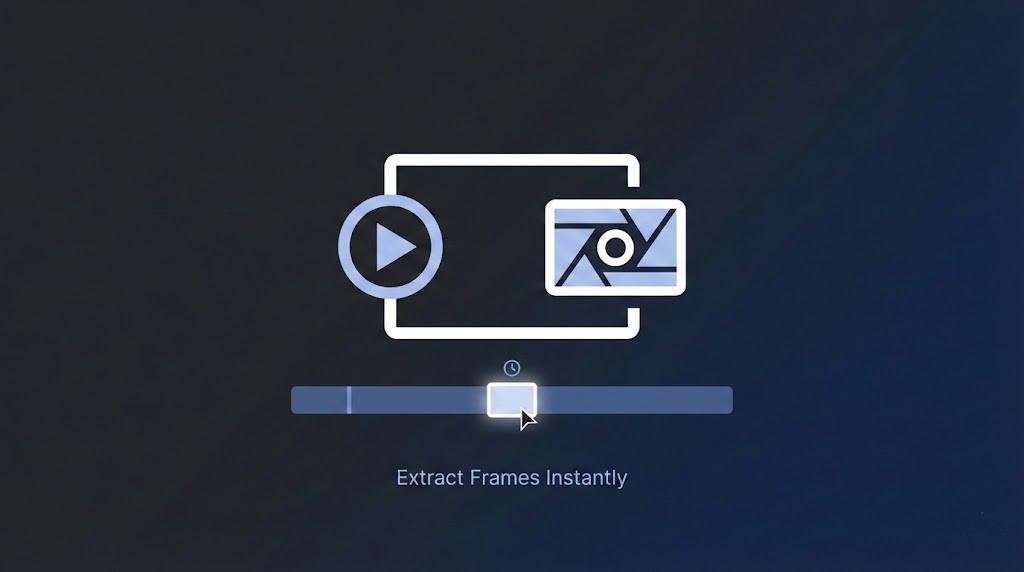
The goal of Video Frame Extractor is to democratize professional-grade video frame extraction. Whether you are generating datasets for AI training, creating thumbnails for YouTube, analyzing sports plays, or just trying to grab a funny meme from a video, Video Frame Extractor provides a clean, fast, and free solution that runs entirely in your browser.
How It Works
Video Frame Extractor leverages modern browser technologies to process video files locally on your device. This means:
- Zero Uploads: Your massive video files never leave your computer. They are processed instantly without waiting for slow server uploads.
- Precision Control: You can extract every single frame, or set specific intervals (like every 5 seconds).
- Smart Organization: As part of our latest update, you can now name your
files exactly how you want—whether by timestamp (e.g.,
interview_1m30s.jpg) or strict sequence (e.g.,frame_001.jpg). - Bulk Export: Once you’ve selected your best shots, download them all at once in a neat ZIP file.
We believe that powerful tools should be accessible to everyone. Video Frame Extractor is our contribution to a faster, more private, and more efficient creative workflow.
Newsletter Signup
Get notified when new tools go live